
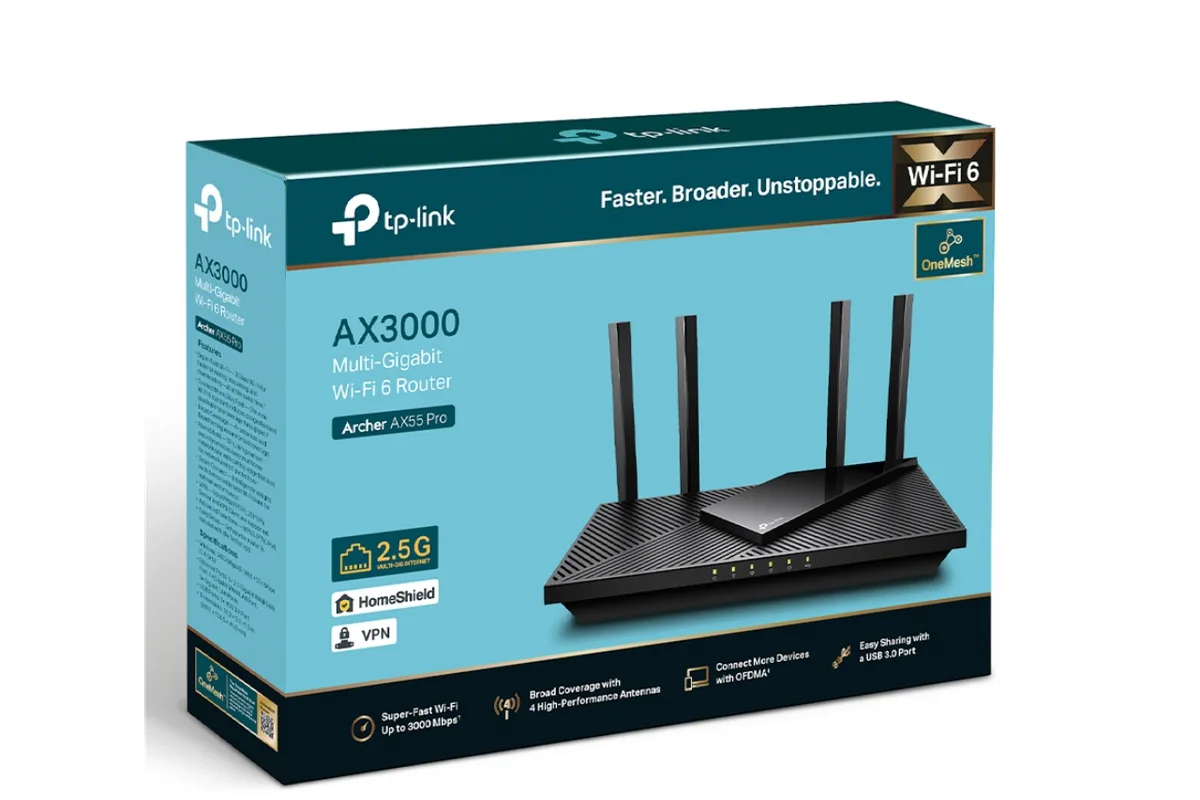
The living room streams fine, but the home office at the back of the house buffers, the guest bedroom drops calls, and the kitchen smart speaker keeps losing its connection. Most people blame their internet provider when the real bottleneck is the router in a cabinet by the front door. A good router is the cheapest internet upgrade most homes can make, and in 2026 the choice comes down to Wi-Fi 6 value, gaming features, and whether one device or a mesh system fits your floor plan. This guide covers the best Wi-Fi routers in 2026 for realistic households.
Quick verdict
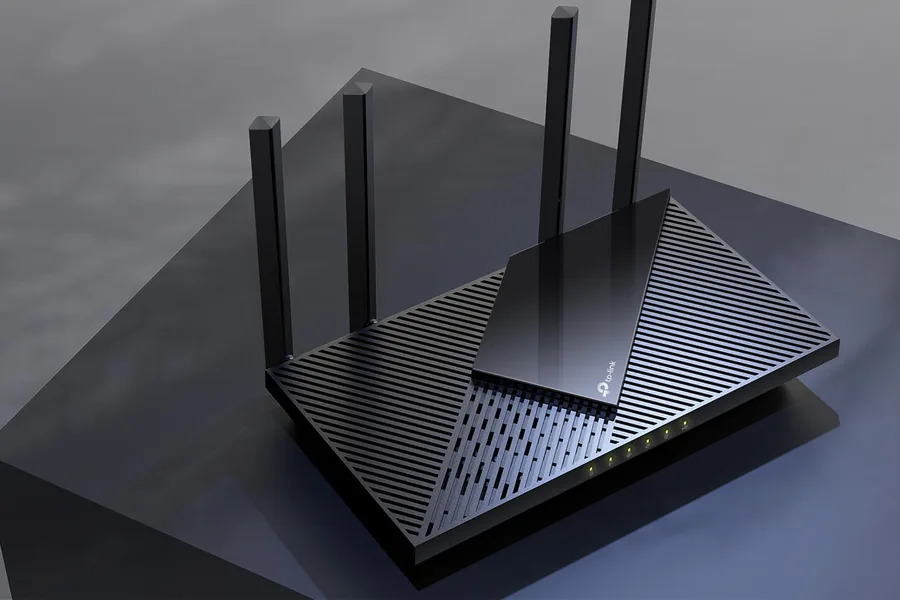
For most homes on a typical cable or fiber plan, the TP-Link Archer AX55 is the best value Wi-Fi 6 router: it is fast, easy to set up, and affordable. If gaming latency matters more than price, the ASUS RT-AX86U is the best pick with its dedicated gaming port and quality-of-service tools. For large or multi-level homes, move up to the TP-Link Deco XE75 mesh system.
Who this guide is for
This guide is for households with streaming, video calls, smart home devices, and a few people online at the same time, the normal modern load that older routers struggle with. It is also for gamers who want lower latency and remote workers who need stable video calls.
Who should skip these picks
Skip these routers if your home is under 1,000 square feet and your current router already covers it, since an upgrade will not add speed. Skip high-end models if your internet plan is under 200 Mbps, where the router is rarely the bottleneck. And if you rent and cannot change the network, consider a mesh node or powerline adapter instead of replacing hardware you do not own.
Best Wi-Fi routers in 2026
1. TP-Link Archer AX55 — best value for most homes
TP-Link Archer AX55
Best value Wi-Fi 6 router for most homesWhy it works
- AX3000 dual-band Wi-Fi 6 speeds
- Four gigabit LAN ports plus one gigabit WAN port
- TP-Link HomeShield security and parental controls
- Works with Alexa and Google Assistant voice control
Tradeoffs
- Strong performance per dollar
- Easy app setup
- Solid range for medium homes
- No 2.5G port
- Advanced security features require subscription
The Archer AX55 is the router most people should buy because it solves the actual problem, congestion, without spending a fortune. The AX3000 dual-band Wi-Fi 6 handles dozens of devices at once, the four gigabit LAN ports cover a console, PC, and TV, and the TP-Link app makes setup and parental controls painless. It lacks the 2.5G port that gigabit-fiber power users want, but for cable plans up to about 600 Mbps it is all the router a normal home needs.
2. ASUS RT-AX86U — best for gamers
ASUS RT-AX86U
Best gaming router with wired gaming portWhy it works
- AX5700 tri-band class speeds with dedicated gaming port
- Adaptive QoS and Game Boost prioritize gaming traffic
- AIMesh support for whole-home coverage
- Robust parental controls and VPN options
Tradeoffs
- Excellent gaming features
- Great firmware
- Long range
- Large footprint
- Premium price
The RT-AX86U is the classic gamer’s router because it combines fast Wi-Fi with features that reduce lag: a dedicated gaming LAN port, adaptive QoS that prioritizes game traffic, and Game Boost that routes packets to the lowest-latency server. The AX5700-class speeds are overkill for most homes, but if you play competitive shooters while the family streams, the traffic prioritization is the feature that makes it worth the premium. It also supports AiMesh, so you can add nodes later if your coverage needs grow.
3. TP-Link Deco XE75 — best mesh for large homes
TP-Link Deco XE75
Best mesh Wi-Fi 6E system for large homesWhy it works
- AXE5400 tri-band mesh with dedicated backhaul band
- Covers up to 5,500 square feet in a three-pack
- Seamless roaming and app-based parental controls
- Works with Amazon Alexa and Google Assistant
Tradeoffs
- Great whole-home coverage
- Easy mesh setup
- Good value
- No 2.5G ports on every unit
- One unit can be enough for smaller homes
The Deco XE75 is the answer when no single router can cover the whole house. The tri-band Wi-Fi 6E mesh uses a dedicated wireless backhaul band, so satellite nodes stay fast instead of halving throughput, and a three-pack covers large homes with seamless roaming between rooms. Setup through the Deco app is genuinely easy, and parental controls and guest networks are built in. The tradeoff is price, and many homes genuinely do not need mesh; if your problem is a single dead corner, move the router first.
4. Amazon eero 6+ — best beginner-friendly mesh
Amazon eero 6+
Best beginner-friendly mesh systemWhy it works
- Tri-band Wi-Fi 6 with gigabit-capable ethernet ports
- TrueMesh technology for automatic path selection
- App setup in minutes with ongoing profile controls
- Works with Alexa, Matter, and Thread
Tradeoffs
- Extremely simple
- Compact nodes
- Reliable automatic updates
- Advanced features require eero Plus
- No Wi-Fi 6E
The eero 6+ is the pick for people who want mesh coverage without network jargon. The app walks you through everything, the nodes are small enough to blend into a bookshelf, and TrueMesh picks the best path between nodes automatically. It is tri-band Wi-Fi 6 with gigabit ports, which is plenty for most internet plans. Advanced security and parental controls sit behind the optional eero Plus subscription, but the core coverage works without it.
Comparison table
| Router | Best for | Wi-Fi class | Mesh-ready | 2.5G port | Gaming features |
|---|---|---|---|---|---|
| Archer AX55 | Value | AX3000 | No | No | Basic QoS |
| RT-AX86U | Gaming | AX5700 | Yes | No | Gaming port + QoS |
| Deco XE75 | Large homes | AXE5400 mesh | Yes | No | No |
| eero 6+ | Easy mesh | AX3000 mesh | Yes | No | No |
How to choose a Wi-Fi router
Start with your internet plan, not the router’s marketing speed. Match the router to the plan: AX3000-class models suit plans up to around 600 Mbps, while gigabit fiber benefits from a router with a 2.5G WAN port. Next, map your home. If the router sits centrally and every room gets a usable signal, buy a single strong router. If coverage fails in more than one room, mesh is the honest solution.
Count your devices. Homes with 20-plus connected devices benefit from Wi-Fi 6’s congestion handling even if no single device is demanding. And if gaming is a hobby, look for QoS or a gaming port rather than chasing raw speed, because latency under load matters more than the top throughput number.
What not to overpay for
Do not buy Wi-Fi 7 yet unless you have Wi-Fi 7 devices and gigabit-plus internet; the premium buys almost nothing today. Do not pay for tri-band on a small apartment. And do not trust a single “AX” number: compare the 5 GHz throughput and port speeds, and remember that the router cannot make your internet faster than your plan. If you are on a 100 Mbps plan, a $60 router and a $200 router will deliver the same speeds.
Final verdict
Buy the Archer AX55 for most homes, the RT-AX86U for gamers, and the Deco XE75 when coverage is the real problem. Before ordering anything, spend five minutes moving your current router to a central, elevated spot and test again; if that fixes the dead corner, you just saved yourself $150.