
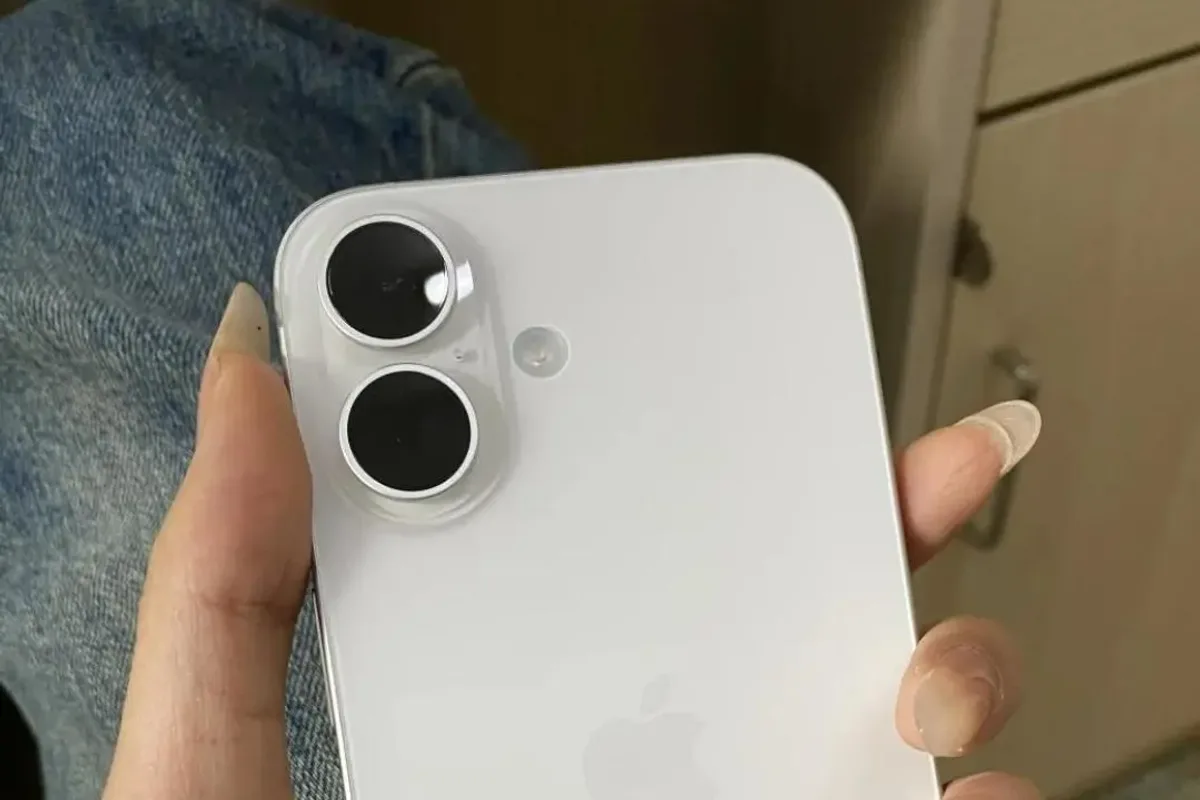
The upgrade cycle has arrived, and the same two questions appear: iPhone or Android? It is the oldest debate in consumer tech, and in 2026 both platforms are excellent, which makes the choice harder rather than easier. The honest answer is that the best phone for you depends on your ecosystem, your budget, and how you use the camera, not on which platform “won” this year. This guide compares iPhone and Android across the decisions that actually matter, with concrete picks for each side.
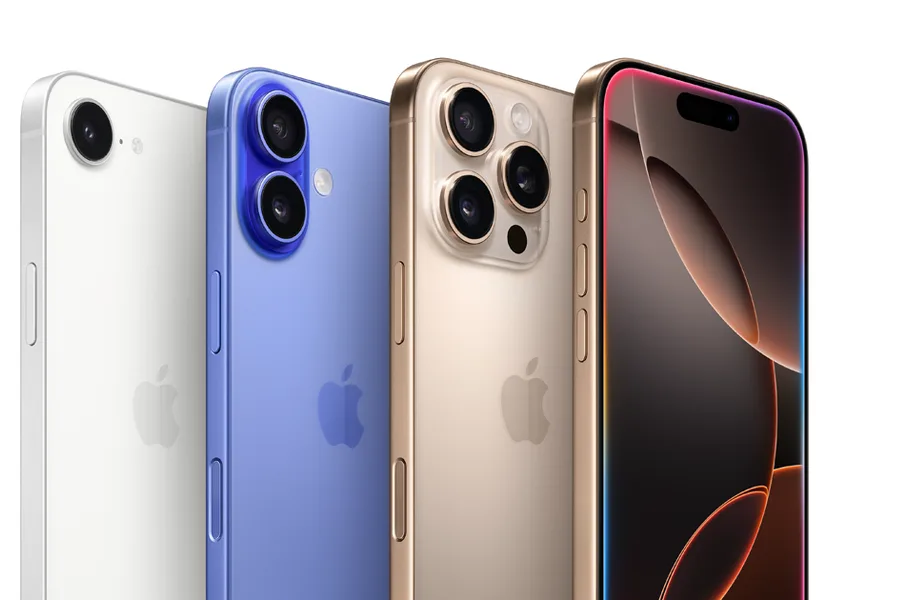
Quick verdict
Choose the iPhone 16 if you are already in the Apple ecosystem, value the longest software support and the most consistent video, or rely on iMessage with family and friends. Choose Android, starting with the Pixel 9 Pro or Galaxy A56, if you want more hardware choices at every price, deeper customization, or the best stills photography.
Who this guide is for
This guide is for anyone deciding between platforms for their next phone, especially upgraders, students, and families who want an honest comparison without brand loyalty.
Who should skip these picks
Skip this comparison if you are fully invested in one ecosystem already; the switching costs usually outweigh the feature differences. Skip it if you need a specific app or service available on only one platform, since compatibility wins over every other factor.
iPhone vs Android in 2026
1. Apple iPhone 16 — the iPhone choice
Apple iPhone 16
Best iPhone for most peopleWhy it works
- A18 chip with Apple Intelligence
- 48MP Fusion camera with spatial photos
- Camera Control button for quick capture
- Action button and USB-C
Tradeoffs
- Excellent performance
- Great video
- Strong resale value
- 60Hz display
- Charging speed trails Android rivals
The iPhone 16 is the answer for Apple users: it delivers the smooth, consistent experience the platform is known for, with the A18 chip, excellent video recording, and the longest software support in the industry. The Camera Control button is a nice touch for quick capture, and the ecosystem integration with AirPods, Apple Watch, and Mac is the deepest of any platform. The 60Hz display and slower charging are the compromises, and you pay a premium for the brand.
2. Google Pixel 9 Pro — the Android photography choice
Google Pixel 9 Pro
Best Android flagship for photographyWhy it works
- 50MP main, 48MP ultrawide, and 48MP 5x telephoto cameras
- 6.3-inch LTPO display at 120Hz
- Tensor G4 with Gemini and advanced photo editing
- Seven years of updates
Tradeoffs
- Best-in-class photo processing
- Telephoto zoom
- Compact flagship size
- Premium price
- Charging speed is moderate
The Pixel 9 Pro is the Android phone that matches the iPhone on polish while leading on stills photography. The 5x telephoto, Google’s processing, and AI photo tools make it the best camera phone for many photographers, and the clean Android experience gets seven years of updates. It also offers more customization freedom and Google’s AI features built in. Battery charging is slower than some rivals, and the premium price matches the iPhone.
3. Samsung Galaxy A56 — the Android value choice
Samsung Galaxy A56
Best budget phone for camera versatilityWhy it works
- 50MP main camera with optical image stabilization
- 6.7-inch Super AMOLED 120Hz display
- 5000 mAh battery with fast wired charging
- Six years of OS and security updates
Tradeoffs
- Bright AMOLED screen
- Versatile cameras
- Long update commitment
- Plastic frame
- Average low-light video
The Galaxy A56 shows why Android wins on choice: a bright AMOLED display, versatile cameras, a big battery, and six years of updates at a mid-range price that has no iPhone equivalent. It is the pick for buyers who want most of the smartphone experience without spending flagship money. The plastic frame and average low-light video are the tradeoffs, but the value is hard to beat.
Comparison table
| Phone | Platform | Best for | Camera | Updates | Price tier |
|---|---|---|---|---|---|
| iPhone 16 | iOS | Ecosystem + video | Excellent | Longest | Premium |
| Pixel 9 Pro | Android | Stills + AI | Best in class | 7 years | Premium |
| Galaxy A56 | Android | Mid-range value | Versatile | 6 years | Mid |
How to choose: iPhone or Android
Start with your ecosystem. If your family group chats run on iMessage, your watch is an Apple Watch, and your laptop is a Mac, the iPhone is the low-friction choice. If you live in Google’s world, prefer file access, or want to pick hardware from multiple brands, Android is the better fit.
Then look at your budget. Android offers credible options from $200 to $1,500, while the iPhone lineup starts higher and the affordable models cut features. If cameras matter, decide between Apple’s video strength and Pixel’s stills strength. Finally, check how long you keep phones: the iPhone’s support window is unmatched, but Google and Samsung now close the gap.
Making the switch without losing your data
If you are moving between platforms, plan the transfer before you buy. Google’s Switch to Android app and Apple’s Move to iOS app both handle contacts, photos, messages, and most apps over Wi-Fi, and each platform’s cloud service (Google Drive or iCloud) fills in the gaps. Start the transfer when you have time and a reliable connection, and do not delete anything from the old phone until the new one has worked for at least a week.
The things that do not transfer are the ones that cause the most frustration. iMessage group chats and their history stay with Apple, so tell the family group you are switching and set up an alternative like WhatsApp, Signal, or RCS before you leave. App purchases, subscriptions, and stored payment cards do not move across platforms, and services like Apple Pay require re-adding cards on the new phone. If you use password autosave or a password manager, export or sync it early, because losing access to accounts mid-switch is the most common disaster.
Check your accessories too. If you own AirPods, an Apple Watch, or smart-home gear tied to one ecosystem, verify how much function carries over; some accessories work on both platforms, while others lose features or require new hardware. The same applies to wearables, where a watch that works perfectly with one phone may be limited with the other.
Finally, think about trade-in and resale timing. Phones hold value best early in their life, so compare trade-in offers from both the manufacturer and carriers before you buy, and check that your current phone’s battery and screen state are factored into the quote. A clean, complete transfer plus a good trade-in makes the switch feel less like a chore and more like an upgrade.
What not to overpay for
Do not pay a premium for the brand alone; compare the specific models in your budget. Do not buy the cheapest version of either platform and expect flagship features, and do not switch platforms just for one feature you can live without. Finally, do not ignore update support, because a phone that stops receiving security updates is a liability no matter which logo is on the back.
Final verdict
Choose the iPhone 16 for the Apple ecosystem and the longest support. Choose the Pixel 9 Pro for the best Android stills camera, and the Galaxy A56 for the best mid-range value. Write down the three features you use daily, check which phone does them best, and ignore the platform war. The right phone is the one that fits your life, not the one that wins the argument.