
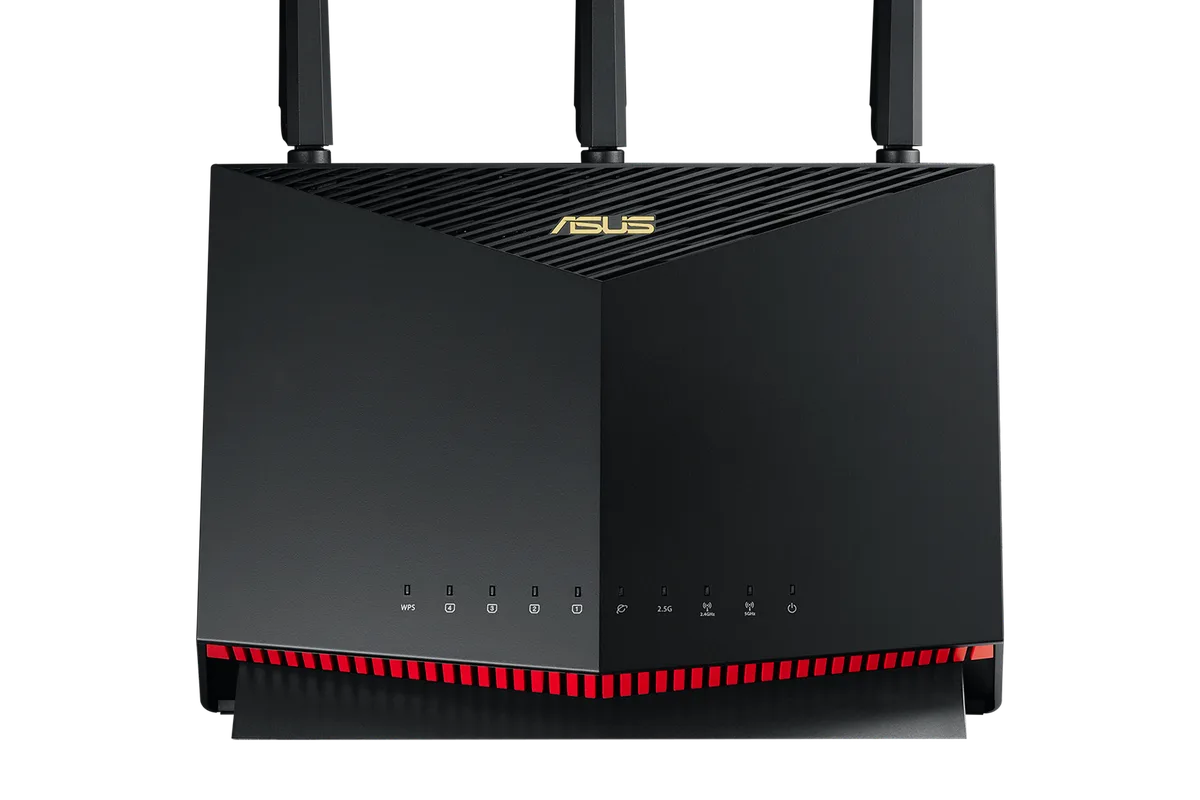
Your ping is fine at 2 a.m. and terrible at 8 p.m., which means the problem is not your internet, it is everyone else in the house using it. Gaming routers exist to fix exactly this: they prioritize game traffic, manage congestion, and the newest ones add a clean 6 GHz band that Wi-Fi 6E devices can use without fighting the family’s streaming. But gaming routers are also full of marketing numbers, and not every “gaming” feature changes how your matches feel. This guide covers the best Wi-Fi 6E routers for gamers in 2026 and when the upgrade is actually worth it.
Quick verdict
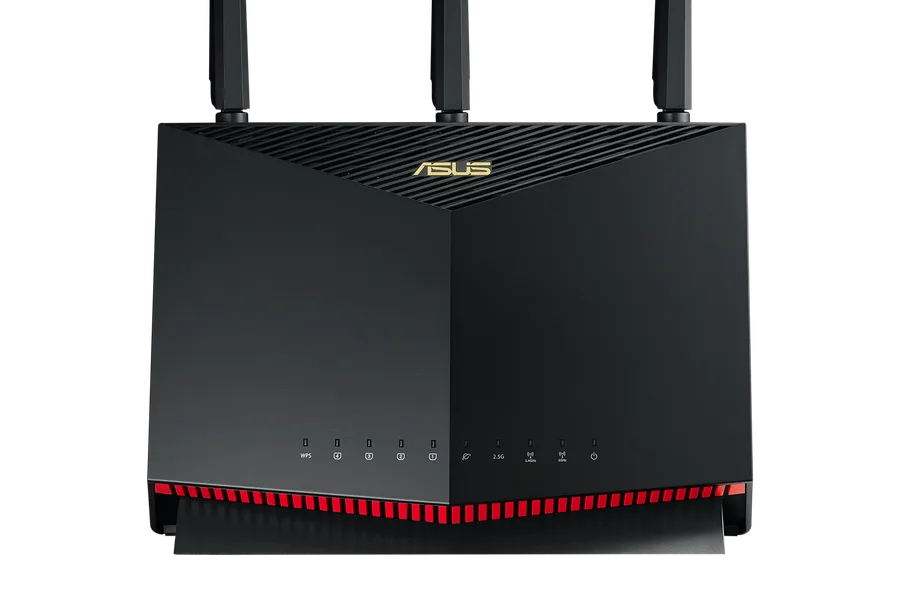
For most gamers, the ASUS RT-AX86U is still the best gaming router buy: its dedicated gaming port and adaptive QoS protect latency without the cost of a tri-band flagship. If you want the highest Wi-Fi performance and a 2.5G WAN port for gigabit fiber, the ASUS RT-AX88U Pro is the step up. On a budget where Wi-Fi 6E devices are rare, the TP-Link Archer AX55 delivers solid game-friendly QoS for far less.
Who this guide is for
This guide is for gamers who play on Wi-Fi or share a network with streamers and downloaders, households with gigabit-class internet who want the router to keep up, and anyone deciding whether the 6 GHz band is worth a premium.
Who should skip these picks
Skip a gaming router if your PC and console are already wired to a decent router and your matches are stable; the money is better spent elsewhere. Skip Wi-Fi 6E specifically if your gaming devices do not support it, since consoles and most older laptops will not use the 6 GHz band at all.
Best Wi-Fi 6E routers for gamers
1. ASUS RT-AX86U — best overall gaming router
ASUS RT-AX86U
Best gaming router with wired gaming portWhy it works
- AX5700 tri-band class speeds with dedicated gaming port
- Adaptive QoS and Game Boost prioritize gaming traffic
- AIMesh support for whole-home coverage
- Robust parental controls and VPN options
Tradeoffs
- Excellent gaming features
- Great firmware
- Long range
- Large footprint
- Premium price
The RT-AX86U has been a gamer favorite for years because it prioritizes the things that matter: a dedicated gaming LAN port, adaptive QoS that spots game traffic and protects it, and Game Boost for automatic server optimization. The AX5700-class Wi-Fi easily covers a mid-size home, and AiMesh lets you add nodes later. It is a Wi-Fi 6 router rather than 6E, but for most gamers the QoS and wired gaming port deliver more real improvement than the 6 GHz band would.
2. ASUS RT-AX88U Pro — best for gigabit households
ASUS RT-AX88U Pro
Best high-end Wi-Fi 6 router for power usersWhy it works
- AX6000 dual-band Wi-Fi 6 with 2.5G WAN port
- Eight gigabit LAN ports for wired devices
- AIMesh support and advanced security suite
- Dual WAN and VPN client support
Tradeoffs
- Outstanding throughput
- Plenty of LAN ports
- Future-ready 2.5G port
- Expensive
- Overkill for small apartments
The RT-AX88U Pro is the router for gamers who also have gigabit fiber, many wired devices, and a desire to never think about network capacity again. It adds a 2.5G WAN port so a gigabit plan is not capped by a gigabit ethernet port, and the eight LAN ports cover a whole desk of wired gear. The dual-band Wi-Fi 6 radio is excellent, ASUS’s gaming QoS carries over, and the firmware is among the best in the industry. It costs more than the AX86U, but for power users the ports and headroom justify it.
3. TP-Link Archer AX55 — best budget gamer pick
TP-Link Archer AX55
Best value Wi-Fi 6 router for most homesWhy it works
- AX3000 dual-band Wi-Fi 6 speeds
- Four gigabit LAN ports plus one gigabit WAN port
- TP-Link HomeShield security and parental controls
- Works with Alexa and Google Assistant voice control
Tradeoffs
- Strong performance per dollar
- Easy app setup
- Solid range for medium homes
- No 2.5G port
- Advanced security features require subscription
The Archer AX55 is the honest budget option for gamers who need basic QoS without the esports tax. It is not marketed as a gaming router, but its Wi-Fi 6 performance, four gigabit ports, and app-based QoS cover the essentials for a console in the living room or a laptop gamer. It lacks the dedicated gaming port and advanced prioritization of the ASUS models, and its queue management is simpler, but at roughly a third of the price it is the right call for many setups.
Comparison table
| Router | Best for | Class | Gaming QoS | Gaming port | 2.5G port |
|---|---|---|---|---|---|
| RT-AX86U | Overall gaming value | AX5700 | Advanced | Yes | No |
| RT-AX88U Pro | Gigabit + wired setups | AX6000 | Advanced | Yes | Yes |
| Archer AX55 | Budget console gaming | AX3000 | Basic | No | No |
How to choose a gaming router
Start with how your games connect. If you play over Wi-Fi or share the network, QoS is the feature that matters most; look for routers that can detect and prioritize game traffic automatically. If your PC is wired, a normal strong router may be enough, and the money is better spent on a second ethernet cable or a mesh node.
Then look at your internet plan. Gigabit fiber benefits from a router with a 2.5G WAN port; plans under 500 Mbps do not. Wi-Fi 6E only helps devices that support it, so check your laptop, phone, or Wi-Fi card before paying for the 6 GHz band. Finally, consider expandability: AiMesh support means you can add coverage later without replacing the router.
What not to overpay for
Do not pay extra for a “gaming” sticker on a router with the same hardware as its non-gaming twin. Do not buy a Wi-Fi 6E or Wi-Fi 7 flagship if your devices do not support it, because the extra band sits idle. And do not expect any router to fix latency caused by a poor internet connection or Wi-Fi distance; if the signal is weak in your gaming room, a mesh node or powerline adapter is the real fix.
Final verdict
Buy the RT-AX86U for the best gaming value, the RT-AX88U Pro if you have gigabit fiber and many wired devices, and the Archer AX55 if the budget is tight. Before you order, run a speed test during your busy evening hours; if your internet itself is solid, the router upgrade will show up in the ping graph more than the download number.