
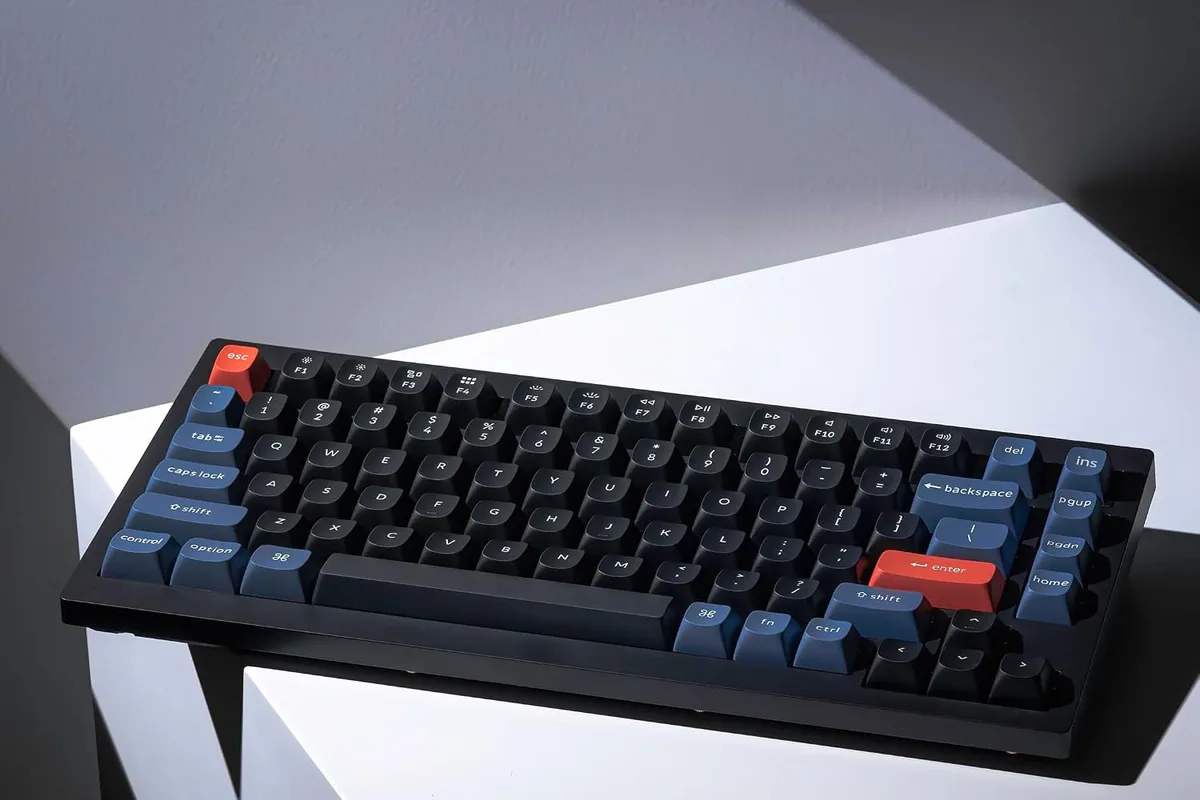
Your fingers have been hammering the same membrane keyboard for three years, the letters on the keycaps are gone, and every press feels like typing on wet cardboard. A mechanical keyboard is the upgrade that changes how your desk feels, and in 2026 the market offers everything from budget hot-swap boards to premium wireless options. The hard part is not finding a mechanical keyboard, but choosing the switch, layout, and features that fit your hands and your workflow. This guide covers the best mechanical keyboards for typing, gaming, and work.
Quick verdict
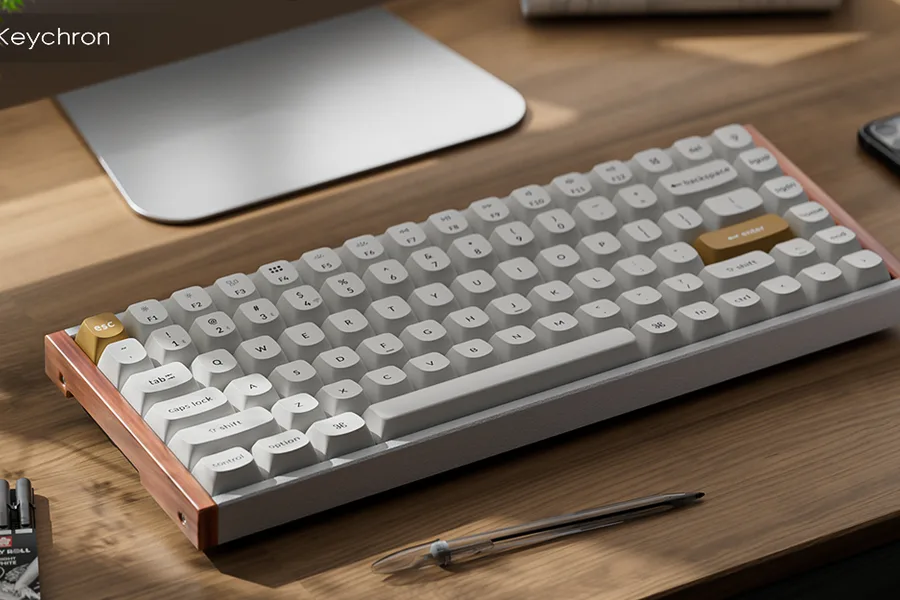
For most people, the Keychron V1 is the best value mechanical keyboard: a hot-swappable 75% layout, QMK support, and a typing feel that beats keyboards twice its price. If you want a quiet premium wireless keyboard for the office, the Logitech MX Keys S is the best low-profile alternative.
Who this guide is for
This guide is for writers, programmers, students, and office workers who type daily, plus gamers who want a keyboard that feels consistent through long sessions.
Who should skip these picks
Skip mechanical keyboards if you prefer very low-profile typing or need a completely silent board; a premium membrane or scissor-switch keyboard like the MX Keys S is the honest choice. Skip the enthusiast picks if you never want to customize, where a simpler board saves money.
Best mechanical keyboards
1. Keychron V1 — best overall value
Keychron V1
Best budget mechanical keyboardWhy it works
- Hot-swappable mechanical switches
- 75% compact layout with function row
- QMK and VIA support for remapping
- South-facing RGB lighting
Tradeoffs
- Great value
- Easy to customize
- Solid typing feel
- Wired only
- Plastic case
The Keychron V1 is the keyboard that opens the door to better typing without a big budget. The 75% layout keeps the function row and arrow keys in a compact frame, the hot-swappable sockets accept almost any switch, and QMK/VIA support lets you remap every key without touching software. It works with Windows and Mac out of the box, and the south-facing RGB looks clean. It is wired and the case is plastic, but for a first mechanical keyboard it is the best value in this guide.
2. Logitech MX Keys S — best quiet premium alternative
Logitech MX Keys S
Best wireless keyboard for workWhy it works
- Smart illumination with hand detection
- PerfectStroke keys for quiet typing
- Flow multi-device support
- USB-C rechargeable battery
Tradeoffs
- Excellent typing feel
- Backlit
- Multi-device
- No wrist rest included
- Not mechanical
The MX Keys S is not mechanical, and that is the point: it is the best low-profile keyboard for people who want a premium feel without the noise or height of mechanical switches. The PerfectStroke keys are quiet and comfortable, the smart backlighting is genuinely useful, and Flow lets you type across three devices. It is the right pick for shared offices and Mac users who prefer scissor switches, and it pairs perfectly with the MX Master 3S mouse.
Comparison table
| Keyboard | Best for | Type | Layout | Hot-swap | Wireless |
|---|---|---|---|---|---|
| Keychron V1 | Value + customization | Mechanical | 75% | Yes | No |
| MX Keys S | Quiet premium work | Scissor | Full | No | Yes |
How to choose a mechanical keyboard
Choose the switch feel first. If you are new, a tactile switch is the safe middle ground, and a hot-swappable board lets you experiment. Then pick the layout by desk space: full-size for number-pad users, TKL or 75% for mouse room, and 60% only if you never need function keys.
Then look at the build: a metal or foam-filled case sounds and feels more premium, keycap quality affects typing comfort, and QMK support matters if you remap keys. Finally, decide wired versus wireless based on your desk and whether you want to manage another battery.
Getting started with mechanical keyboards
If you are new to mechanical keyboards, buy a switch tester before committing. A small tester with a few linear, tactile, and clicky switches costs little and answers the question that specs cannot: what does each switch feel like under your fingers? Typists usually prefer tactile feedback, gamers often like smooth linear switches, and clicky switches are best only if nobody shares your space.
Once the board arrives, set aside half an hour for the first setup. Try the default switches first; on a hot-swappable board like the Keychron V1 you can later swap in different switches without soldering, which makes experimenting cheap. If the board supports QMK or VIA, remap the keys you actually use: Caps Lock into a useful modifier, the top row into media controls, or a layer that puts arrows under your home row.
Cleanliness changes the feel over time. Dust and skin oils collect between keycaps, so remove the keycaps every few months and brush the switch plate, then wipe the caps with a damp cloth. If a switch starts to feel scratchy or inconsistent, a hot-swap socket lets you replace just that switch in seconds.
Finally, think about sound before you buy accessories. A desk mat softens case noise, and a foam-filled case reduces hollow echo. You can tune a board’s sound later, but starting with a layout and switch feel you like matters far more than chasing the quietest build on day one.
What not to overpay for
Do not pay extra for RGB if you never look at the keyboard. Do not pay for gamer branding on a keyboard with the same switches as a cheaper model. Skip wireless unless you need it, and avoid keyboards that require cloud software for basic remapping. The switch feel and layout do the work, not the logo.
Final verdict
Choose the Keychron V1 for the best mechanical value and the MX Keys S for a quiet premium desk. Buy a switch tester first if you are new to mechanical keyboards, and remember that the best keyboard is the one that feels right after a full workday, not the one with the most features on paper.