
You want to play the new releases at high settings, but the desk belongs to the whole family and the “gaming PC” budget has to share space with tuition and rent. A gaming laptop solves the space problem, and in 2026 the current-generation GPUs make 1440p gaming genuinely portable. The hard part is that gaming laptops vary wildly in performance even with the same GPU, because wattage, cooling, and screens all matter. This guide covers the best gaming laptops in 2026, with honest advice about what each price tier actually delivers.
Quick verdict
For most gamers, the Lenovo Legion Pro 5 is the best value: strong performance, a fast display, and good cooling at a price that makes sense for a primary machine. If portability matters, the ASUS ROG Zephyrus G14 is the best compact pick. The Razer Blade 16 is the premium choice when design and maximum performance justify the cost.
Who this guide is for
This guide is for students and professionals who want a single machine for gaming plus work, and for anyone with limited desk space who prefers a laptop over a desktop tower.
Who should skip these picks
Skip gaming laptops if you never move your setup; a desktop delivers more performance per dollar. Skip thin-and-light premium models if you play mostly plugged in at a desk, where a thicker laptop with higher GPU wattage performs better for less money.
Best gaming laptops in 2026
1. Lenovo Legion Pro 5 — best overall value
Lenovo Legion Pro 5
Best value 16-inch gaming laptopWhy it works
- Ryzen 7 or Core i7 with RTX 50-series graphics
- 16-inch QHD display with fast refresh
- Full-size keyboard with per-key RGB
- Strong thermal design for long sessions
Tradeoffs
- Excellent performance per dollar
- Great screen
- Good thermals
- Bulky
- Battery life is short under load
The Legion Pro 5 is the gaming laptop most people should buy because it balances everything that matters: current-generation CPU and GPU performance, a fast QHD display, and a cooling system that keeps the hardware running at full power for hours. The full-size keyboard is comfortable for both gaming and work, and the design is subtle enough for a classroom or office. It is bulky and the battery is only average, but as a do-everything gaming machine it offers the best performance per dollar.
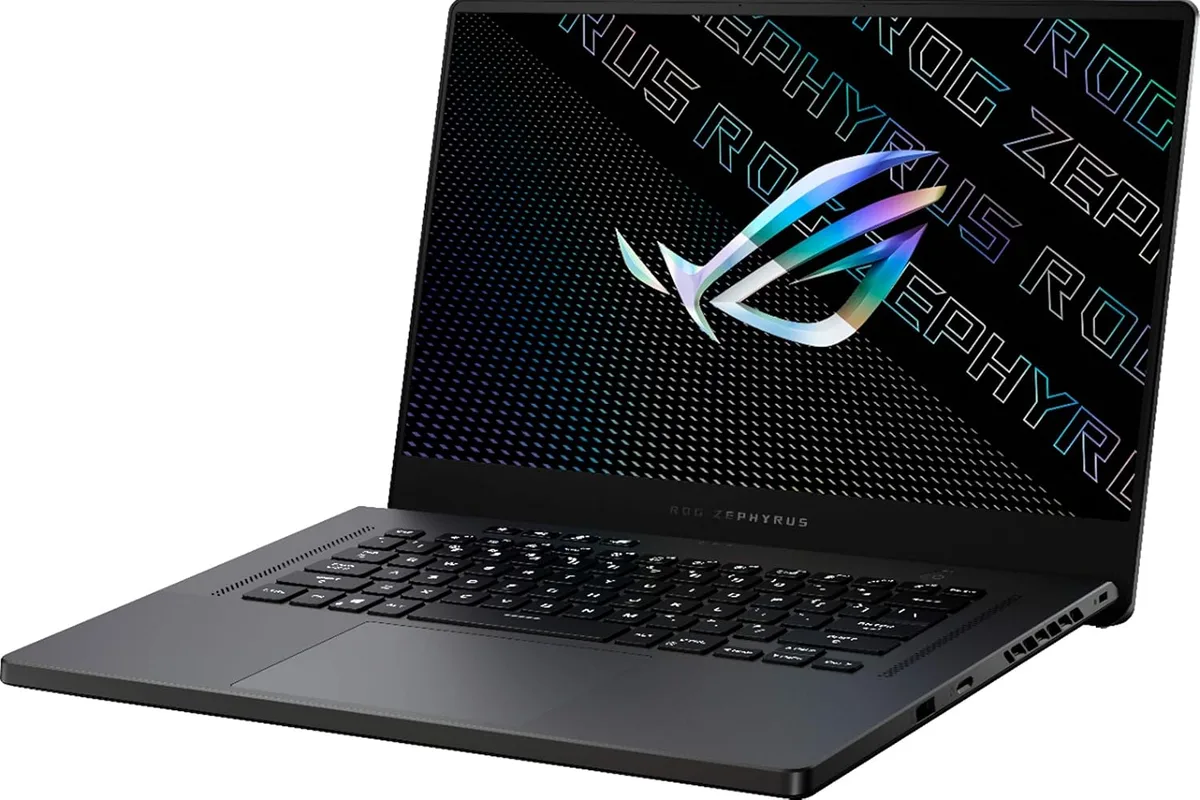
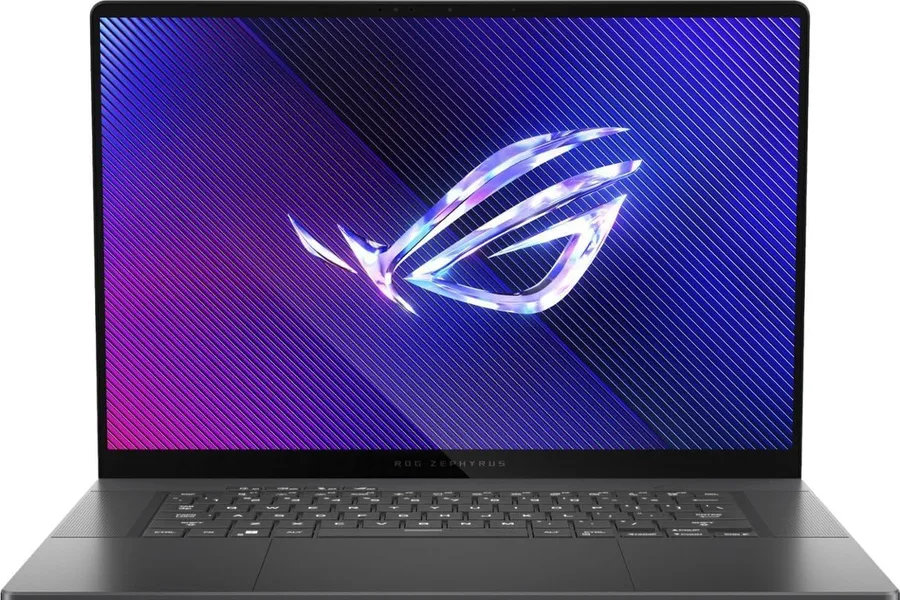
2. ASUS ROG Zephyrus G14 — best compact gaming laptop
ASUS ROG Zephyrus G14
Best compact gaming laptopWhy it works
- AMD Ryzen AI 9 HX with RTX 50-series graphics
- 14-inch OLED 120Hz display
- Slim aluminum design under four pounds
- Good battery life for a gaming laptop
Tradeoffs
- Powerful for its size
- Beautiful OLED screen
- Solid build
- Runs warm under load
- Upgradability is limited
The Zephyrus G14 is the pick when you want gaming power in a laptop that does not look or feel like a brick. The 14-inch OLED display is stunning for games and media, the aluminum chassis is genuinely portable, and the AMD processor delivers strong performance with better battery life than most gaming laptops. It runs warm under heavy loads and the fan is audible, but for a portable machine that games at high settings, it is the best balance on the market.
3. Razer Blade 16 — best premium gaming laptop
Razer Blade 16
Best premium gaming laptopWhy it works
- CNC aluminum unibody chassis
- 16-inch dual-mode mini-LED or OLED display
- Latest Intel Core and RTX 50-series graphics
- Thin profile for a desktop-class GPU
Tradeoffs
- Stunning design
- Top-tier performance
- Beautiful display
- Very expensive
- Runs warm
- Fans are audible
The Razer Blade 16 is what you buy when performance, build quality, and design all matter and the budget allows. The CNC aluminum chassis is the best-built laptop in gaming, the display options are gorgeous, and the flagship GPU configuration handles demanding titles and creator workloads alike. It is expensive, runs warm, and the fans work hard, but for a laptop that feels as premium as it performs, nothing else matches.
Comparison table
| Laptop | Best for | Display | GPU class | Weight | Design |
|---|---|---|---|---|---|
| Legion Pro 5 | Overall value | 16“ QHD | RTX 50-series | ~5.5 lb | Gamer-subtle |
| Zephyrus G14 | Portability | 14“ OLED | RTX 50-series | ~3.9 lb | Premium |
| Razer Blade 16 | Premium max | 16“ mini-LED/OLED | Flagship | ~5.4 lb | Aluminum unibody |
How to choose a gaming laptop
Start with the GPU and its wattage, not the model name alone. Two laptops with the same GPU can differ by 20-30 percent in frame rates based on power limits and cooling. Next, choose the display: 1440p at 120Hz or better is the sweet spot for current GPUs, while 1080p keeps older or budget GPUs smoother. Then check RAM and storage: 16GB RAM and a 1TB SSD are the comfortable baseline for 2026 games.
Finally, read thermal reviews. A laptop that throttles after 20 minutes performs worse than a lower-spec laptop that runs cool. Look for models with documented cooling performance and, if you plan to upgrade later, check whether RAM and storage are user-accessible.
Setting up your gaming laptop for the long haul
The first boot should be a maintenance session, not a gaming session. Install every Windows update and the manufacturer’s driver tool, then let the GPU driver update to the latest game-ready version. Update the BIOS or firmware if the manufacturer’s app suggests it, because laptop manufacturers ship fixes for thermals, battery, and stability long after the review units leave the factory.
Then set the power behavior. Plugged in, choose the laptop’s performance or turbo mode for gaming; on battery, switch to a balanced or quiet profile, because a gaming laptop on battery is for light work and media, not competitive matches. If the laptop has a MUX switch or hybrid graphics option, check the manufacturer’s guide and use the dedicated GPU mode when gaming for the best frame rates.
Configure the display and audio once. Set the refresh rate to its maximum in Windows settings, enable the laptop’s HDR or color profile if the screen supports it, and calibrate the volume and fan profiles to your tolerance. Install your game launchers, set the download and install folders to the large drive, and use the manufacturer’s app to check for firmware updates on the battery and webcam too.
Finally, protect the hardware. Keep the laptop on a hard surface or a stand so the bottom vents breathe; a lap or blanket will bake the GPU and trigger throttling. Clean the vents every few months with a gentle brush, update the drivers quarterly, and if the battery swells or the laptop shuts down under load, contact the manufacturer under warranty rather than ignoring it. A well-maintained gaming laptop still plays current titles years after purchase.
What not to overpay for
Do not pay a premium for “RTX” branding on a low-wattage GPU; check the wattage and benchmark reviews. Do not buy 4K screens on gaming laptops unless you also do creator work, because 4K gaming crushes most laptop GPUs. Skip RGB lighting if you never look at the keyboard, and be wary of very thin models at low prices, which often throttle to keep cool.
Final verdict
Choose the Legion Pro 5 for the best value, the Zephyrus G14 if portability leads, and the Razer Blade 16 if you want the best premium experience. Buy during back-to-school or holiday sales, check the GPU wattage in reviews, and pick the display that matches your GPU class. A gaming laptop is a three-to-five-year investment, so spend the extra $100 on RAM and storage rather than on RGB.