
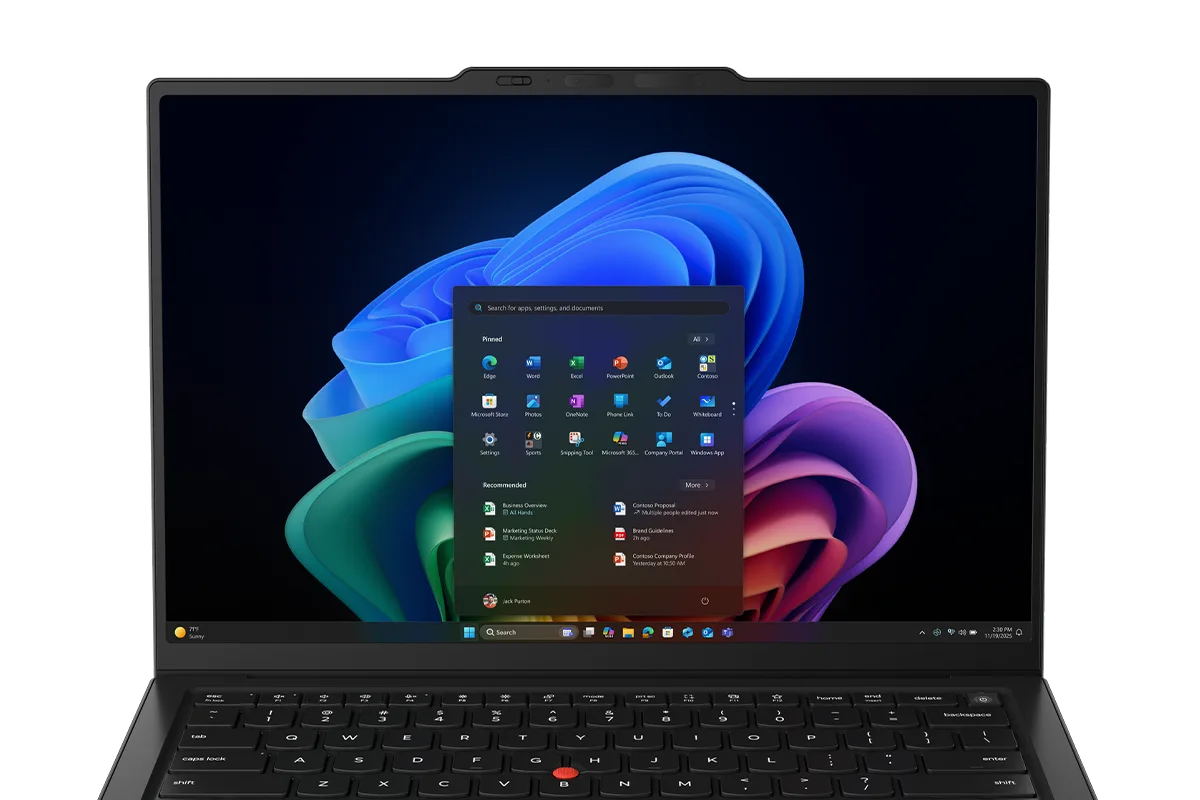
Your first semester has a course schedule that includes MATLAB, a CAD lab, a programming class, and PDFs of readings that never end. The laptop that got you through high school will not survive this workload, and the “budget” machine with 8GB RAM will freeze the moment SolidWorks loads. Engineering students need a laptop that is also a small workstation: enough RAM for simulations, a GPU for 3D models, and a keyboard for lab reports. This guide covers the best laptops for engineering students in 2026, with honest advice about what your specific major really needs.
Quick verdict
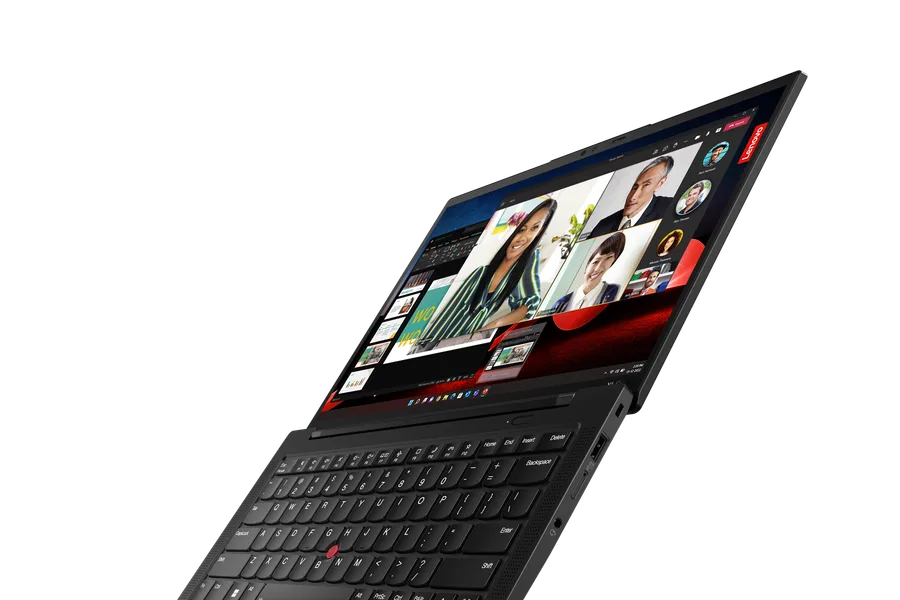
For most engineering students, the Lenovo ThinkPad X1 Carbon is the best premium daily driver: durable, comfortable to type on, and capable of programming and lighter CAD with a good CPU. If your coursework includes serious 3D modeling or simulation, the ASUS ROG Zephyrus G14 or Lenovo Legion Pro 5 class of gaming laptops offers the GPU performance you need. The Dell Inspiron 15 covers the budget end for software-light majors.
Who this guide is for
This guide is for undergraduate and graduate engineering students across mechanical, civil, electrical, computer, and aerospace programs who need a laptop for coursework, labs, and projects.
Who should skip these picks
Skip these recommendations if your program requires certified workstation GPUs for specific software, where a ThinkPad P-series or Dell Precision is mandated. Skip premium ultrabooks if you are on a strict budget and your coursework is primarily programming and documents, where a mid-range Windows laptop with 16GB RAM is the honest choice.
Best laptops for engineering students
1. Lenovo ThinkPad X1 Carbon — best premium daily driver
Lenovo ThinkPad X1 Carbon Gen 13
Best business ultrabook for durabilityWhy it works
- MIL-SPEC tested carbon fiber chassis
- Best-in-class keyboard
- Intel Core Ultra or Snapdragon options
- Security features including fingerprint and IR camera
Tradeoffs
- Legendary keyboard
- Lightweight
- Excellent support
- Pricey
- Speakers are average
The X1 Carbon is the laptop that survives engineering school: a keyboard that handles lab reports and code, a chassis that shrugs off backpack life, and enough performance for programming, MATLAB, and lighter CAD work. Its integrated graphics are not built for heavy rendering, but for computer, electrical, and software engineering students, it is the best all-rounder. The price is high, but student discounts and sales regularly bring it closer to budget.
2. ASUS ROG Zephyrus G14 — best for CAD and simulations
ASUS ROG Zephyrus G14
Best compact gaming laptopWhy it works
- AMD Ryzen AI 9 HX with RTX 50-series graphics
- 14-inch OLED 120Hz display
- Slim aluminum design under four pounds
- Good battery life for a gaming laptop
Tradeoffs
- Powerful for its size
- Beautiful OLED screen
- Solid build
- Runs warm under load
- Upgradability is limited
The Zephyrus G14 is the engineering student’s gaming laptop that pulls double duty: the RTX-class GPU handles SolidWorks, Fusion 360, and simulation workloads, while the portable 14-inch OLED design stays practical for campus. It runs warm under sustained loads and the battery is not all-day during CAD work, but for a single machine that does both engineering software and occasional games, it is the best balance.
3. Dell Inspiron 15 — best budget choice
Dell Inspiron 15
Best budget all-rounder with a big screenWhy it works
- 15.6-inch FHD display
- Intel Core i5 with 16GB RAM options
- Full-size keyboard with number pad
- Solid port selection
Tradeoffs
- Affordable
- Roomier display
- Good ports
- Plastic build
- Battery life is average
The Inspiron 15 is the pick for engineering students whose workload is mostly documents, programming, and spreadsheets, and whose budget cannot stretch to a GPU machine. The 15.6-inch screen and number pad are practical, 16GB RAM handles multitasking, and the price leaves room for a future upgrade. It will struggle with heavy 3D modeling, so know your program’s requirements before choosing this path.
4. Apple MacBook Pro 14 — best for computer science focus
Apple MacBook Pro 14 (M4 Pro)
Best laptop for professional developersWhy it works
- M4 Pro chip with up to 14 CPU cores
- Liquid Retina XDR display with ProMotion
- Up to 36GB unified memory options
- Exceptional battery life under load
Tradeoffs
- Outstanding build quality
- Silent under load
- Best-in-class battery
- Expensive
- Heavier than the Air line
The MacBook Pro 14 is the right pick for engineering students on the computer science and software side, or for programs where macOS is the standard. The M4 Pro chip compiles code fast, the battery outlasts the longest lab day, and the build quality lasts four years. Verify that every required engineering tool has a macOS version before buying, because some department software is Windows-only.
Comparison table
| Laptop | Best for | GPU | RAM | Battery | Weight |
|---|---|---|---|---|---|
| ThinkPad X1 Carbon | Programming + durability | Integrated | 16-32GB | Very good | 2.5 lb |
| Zephyrus G14 | CAD + simulation | RTX discrete | 16-32GB | Good | 3.9 lb |
| Dell Inspiron 15 | Budget coursework | Integrated | 16GB | Average | 4.2 lb |
| MacBook Pro 14 | CS + macOS workflows | Integrated/Pro | 16-36GB | Excellent | 3.5 lb |
How to choose a laptop for engineering school
Start with your department’s software list. Open it, find every program you will use, and check the minimum and recommended specs. That single document decides whether you need a discrete GPU, how much RAM, and whether Windows or macOS is viable. For mechanical, civil, and aerospace students, a discrete GPU is usually the difference between usable and painful CAD.
Next, set the floor at 16GB RAM and a 512GB SSD, because engineering files and software installs grow fast. Then weigh portability against performance: if you carry the laptop all day, a 14-inch machine near four pounds is the sweet spot; if it mostly lives on a desk, a 15-16 inch model with better cooling is fine.
What not to overpay for
Do not pay for a workstation-brand laptop unless software certification requires it; a gaming laptop gives you the same GPU performance for less. Do not buy 8GB RAM laptops for engineering, period. Do not pay for 4K displays, which drain battery and do nothing for CAD at 14-16 inches. And skip extended warranties on machines you will upgrade in four years anyway.
Final verdict
Choose the ThinkPad X1 Carbon for programming-heavy majors, the Zephyrus G14 for CAD and simulation work, the Dell Inspiron 15 for tight budgets, and the MacBook Pro 14 for computer science. Print out your department’s software requirements, set 16GB RAM as the floor, and buy during back-to-school sales. The right laptop will still be running when your thesis defense comes around.