
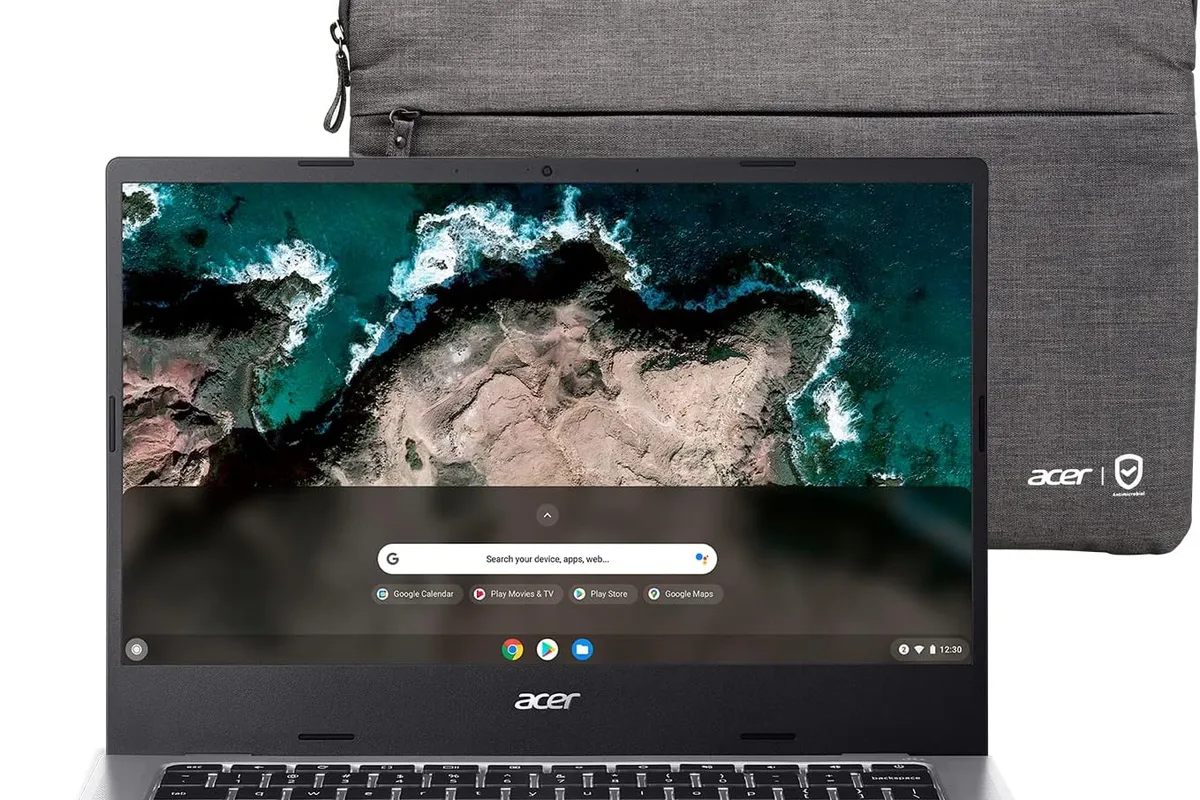
The school portal, the essays, the video calls, and the streaming all work in a browser, so why does the budget laptop on the shelf still cost $700 and run a fan like a jet engine? For many students and light users, a Chromebook is the honest answer: it boots in seconds, stays fast because the OS manages itself, and costs hundreds less than a Windows laptop with the same usability. The catch is that cheap Chromebooks are not all equal, and buying the wrong one means sluggish multitasking. This guide covers the best Chromebooks for budget buyers in 2026.
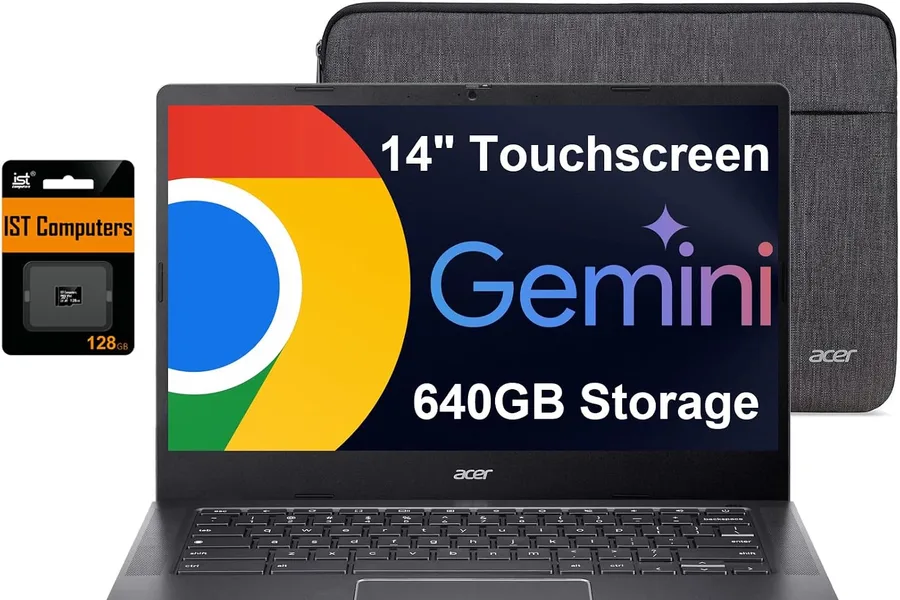
Quick verdict
For most budget buyers, the Acer Chromebook Plus 514 is the best choice: solid performance, a sharp display, and long battery life in the Chromebook Plus tier. If you want a convertible for notes and tablet mode, the Lenovo IdeaPad Flex 5i Chromebook Plus is the best 2-in-1. The ASUS Chromebook Plus CX34 is the durable value pick for heavy daily use.
Who this guide is for
This guide is for students, families, and light users whose work happens in a browser, Google Workspace, or Android apps, and who want a secure, fast laptop without spending over $500.
Who should skip these picks
Skip Chromebooks if you need Windows-only software, desktop video editing, or traditional PC gaming. Skip base 4GB models if you keep dozens of tabs open or run many Android apps, and skip used Chromebooks without checking their update expiration date.
Best Chromebooks for budget buyers
1. Acer Chromebook Plus 514 — best overall
Acer Chromebook Plus 514
Best budget ChromebookWhy it works
- Fast boot and automatic updates with ChromeOS
- Long battery life for a full school day
- Full HD touchscreen display
- Lightweight design under three pounds
Tradeoffs
- Very affordable
- Simple and secure OS
- Great battery life
- Limited offline software
- Smaller storage than typical laptops
The Chromebook Plus 514 is the safest recommendation for most budget buyers because it meets the Chromebook Plus standard where it counts: 8GB RAM, a fast modern processor, and a crisp FHD display. It boots quickly, handles Google Workspace and Android apps smoothly, and the battery comfortably outlasts a school day. The aluminum lid looks good, and the price regularly drops well under $400. It is not a convertible and the storage is modest, but as a reliable daily Chromebook it is the best value.
2. Lenovo IdeaPad Flex 5i Chromebook Plus — best 2-in-1
Lenovo IdeaPad Flex 5i Chromebook Plus
Best 2-in-1 ChromebookWhy it works
- 360-degree hinge with touchscreen
- Intel Core i3 with 8GB RAM
- Long battery life
- Chromebook Plus features with Gemini access
Tradeoffs
- Versatile design
- Good performance for ChromeOS
- Bright screen
- Plastic build
- Average speakers
The Flex 5i Chromebook Plus is the pick for students who want to fold the screen back for notes, reading, or media. The 360-degree hinge is solid, the touchscreen responds well to fingers and styluses, and the Intel Core i3 with 8GB RAM handles multitasking comfortably. Android apps run well, and the Chromebook Plus AI features add useful extras like Gemini integration. It is a bit heavier than a clamshell, and the speakers are average, but the versatility makes it the best convertible under $500.
3. ASUS Chromebook Plus CX34 — best durable value
ASUS Chromebook Plus CX34
Best all-round ChromebookWhy it works
- 14-inch FHD display
- Intel Core i3 with 8GB RAM
- Military-grade durability
- Long battery life
Tradeoffs
- Durable build
- Snappy ChromeOS performance
- Great price
- Heavier than premium Chromebooks
- Display is not touch
The CX34 is the Chromebook for buyers who treat their laptop roughly: a military-grade tested chassis, a comfortable keyboard, and dependable performance for daily work. The 14-inch FHD display is bright enough for most rooms, the 8GB RAM keeps tabs alive, and the battery handles a full day. It is heavier than premium Chromebooks and the display is not touch, but for a rugged daily driver at a budget price, it is the honest pick.
Comparison table
| Chromebook | Best for | Display | RAM | Convertible | Durability |
|---|---|---|---|---|---|
| Acer Plus 514 | Overall value | 14“ FHD touch | 8GB | No | Good |
| Lenovo Flex 5i Plus | Notes + tablet mode | 14“ FHD touch | 8GB | Yes | Good |
| ASUS CX34 | Durability | 14“ FHD | 8GB | No | Excellent |
How to choose a budget Chromebook
Set a hard floor of 8GB RAM, then decide between clamshell and convertible based on how you study and consume media. Next, check the display: FHD with decent brightness matters more than any other feature for daily reading and video. Chromebook Plus certification is a useful shortcut to avoid underpowered hardware.
Look at battery life and build quality in reviews, especially for students who carry the laptop all day. Then check the update expiration date on the specific model you are buying, particularly for refurbished units. Finally, consider storage: 128GB is fine for cloud-first users, while 256GB gives room for Android games and offline files.
Setting up your Chromebook for school and work
Setup is faster than on any other laptop: sign in with your Google account and ChromeOS syncs your bookmarks, passwords, and settings automatically. If the Chromebook belongs to a family, create a separate profile for each person so school, work, and personal files stay separate; profiles also isolate app data, which keeps a shared device tidy.
Then decide which apps you need from the Play Store. Google Workspace covers most school and office work, but the Android app library adds plenty: note-taking apps, drawing tools, office suites, and offline games. Install the apps you actually use in the first week, pin them to the shelf, and uninstall the ones you never open; ChromeOS stays fast when storage and app clutter stay low.
Enable offline access before you need it. In Google Docs and Drive, mark important files as available offline, and in the Files app, copy anything critical to local storage. A Chromebook with offline files is still useful when the Wi-Fi drops in a lecture hall or on a flight, and the battery means you will not be hunting for an outlet either.
Finally, learn the shortcuts and settings that make daily use faster: the search key opens the launcher, Ctrl plus Shift plus T reopens a closed tab, and the quick settings panel controls brightness, volume, and connection. Set up your print destination once, and check the Settings app’s “About ChromeOS” page to confirm the update expiration date for your model, so you know how many years of support you actually have.
What not to overpay for
Do not pay extra for 4K or OLED displays on a budget Chromebook; battery life and brightness matter more. Do not buy 4GB models no matter how cheap they are, because ChromeOS now leans on RAM for tab and app performance. Skip cellular models unless you genuinely work without Wi-Fi, and avoid premium Chromebooks above $600 when a mid-range model covers the same workflows.
Final verdict
Choose the Acer Chromebook Plus 514 for the best all-round value, the Lenovo Flex 5i Plus if you want a convertible for notes, and the ASUS CX34 if durability is the priority. Buy new or certified refurbished with a warranty, keep 8GB RAM as the minimum, and check the update policy before you commit. A good Chromebook will quietly do its job for years.